

Feedback
FluentBot has two distinct feedback channels:
- Visitor feedback — thumbs-up / thumbs-down on AI and agent replies, captured from the chat widget.
- Team feedback — internal feedback you (the FluentBot user) submit about the product itself.
Visitor feedback
AI and agent replies in the widget expose thumbs-up and thumbs-down controls when the message has been saved. Visitors can react to confirm an answer was useful or flag one that wasn’t. Reactions count toward the bot’s totals on:
- Bot detail statistics — Total Feedback.
- The bot Analytics page — Positive Feedbacks and Negative Feedbacks cards (see Analytics).
Visitor reactions are tied to the message and chat. They’re useful as a soft signal but not a definitive quality measure.
Reading the signal
- High thumbs-down rate on a specific question — open the conversation, see what the bot said, decide whether to add a source or refine the prompt.
- High thumbs-down across the board — tone may be wrong, source coverage may be thin, or answers may need stronger guidance. Inspect Content Gaps and Document Usage for systemic issues.
- No reactions at all — visitors typically don’t react unless they’re either very happy or very annoyed. Silence is normal.
Optional comment
Thumbs-down opens an optional comment field so visitors can explain why. The comment is stored with that feedback entry.
Team feedback (product feedback)
Open from the main sidebar → Feedback. It’s a form for the FluentBot team’s product feedback — bug reports, feature requests, anything you want to send back.
- Submissions are tied to your user account.
- FluentBot admins can reply in the same feedback thread.
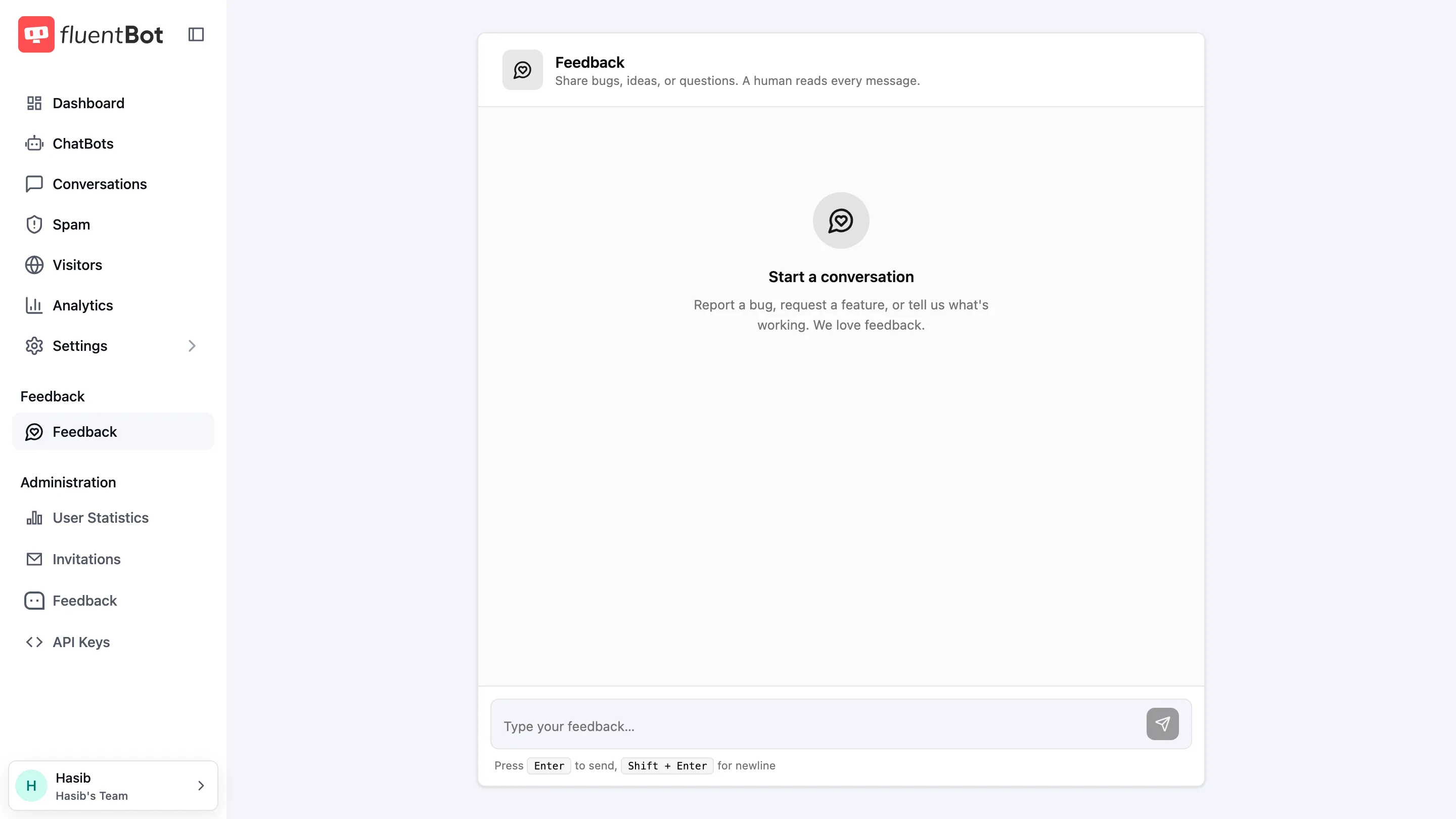
This is not where visitor message feedback shows up — that lives in bot feedback totals and analytics.
What feedback isn’t
- Automatic training — the bot doesn’t automatically change behavior from prior thumbs-down. Feedback is for you to decide what to fix.
- A replacement for testing — a single thumbs-down doesn’t mean the bot is broken. Use the Playground to reproduce.
- Tied to billing — feedback doesn’t affect plan credits.
Troubleshooting
- Thumbs missing in the widget — confirm the site is loading the current widget bundle from your FluentBot embed code. Older bundles may not surface them.
- Counts in Analytics don’t match conversation count — most chats never get a reaction. The mismatch is normal.
- “Where do I send a bug report?” — use Feedback in the main sidebar.
What’s next
- Analytics — positive / negative feedback counters.
- Conversations — drill into the chat behind a thumbs-down.
- Content Gaps — for “couldn’t answer” cases (separate from feedback).