

Attachments
FluentBot supports live-chat attachments — files sent in an escalated conversation. Attachments help visitors and agents share screenshots, invoices, documents, or other context while a human is handling the chat.
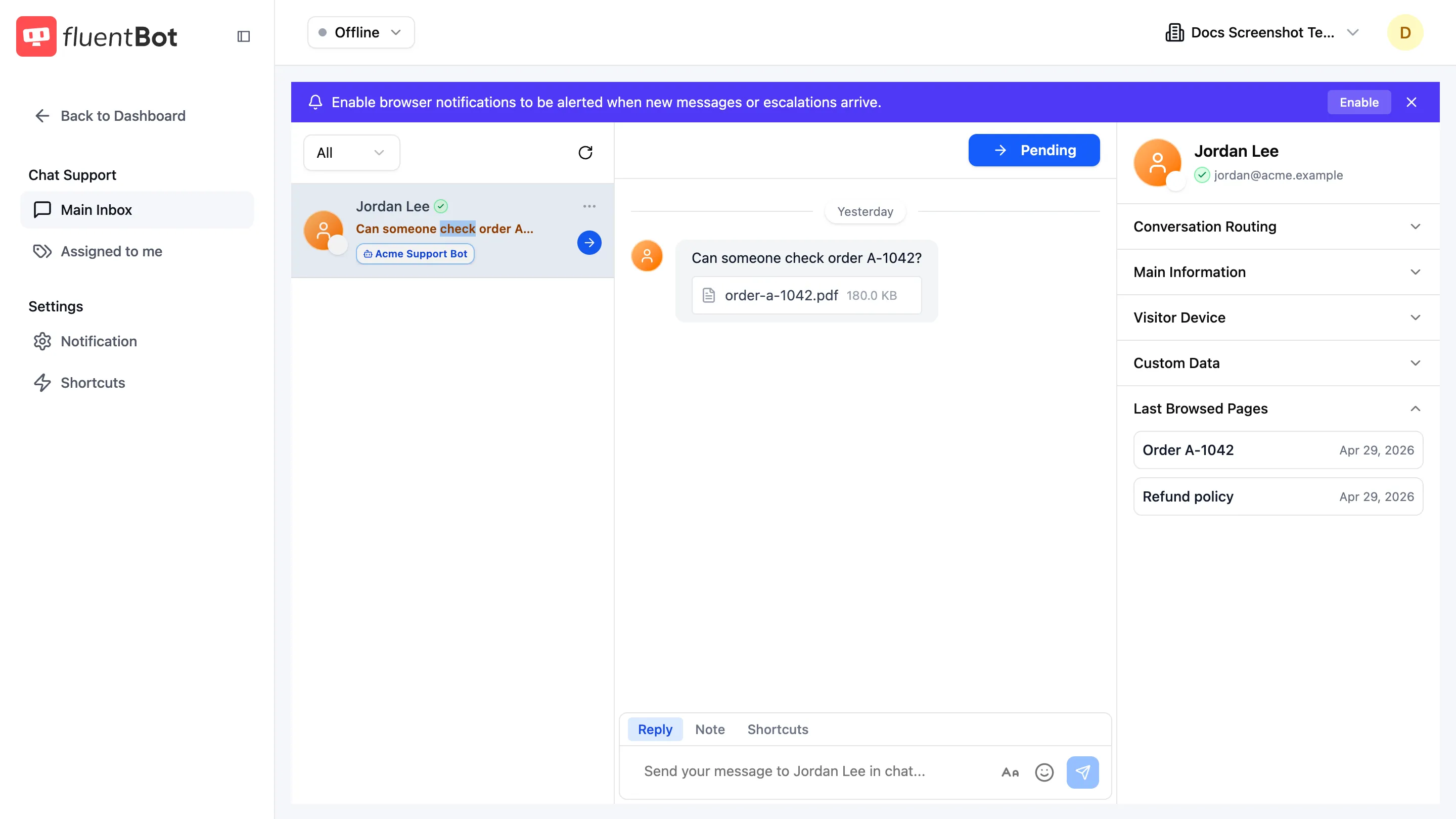
Where attachments come from
Attachments enter the system from two live-chat surfaces:
- Widget escalation chat — when a visitor is in an escalated chat, the widget exposes a paperclip control.
- Live Chat agent composer — agents can attach files when replying to a conversation.
Attachments are not used as knowledge sources. To upload a file for the bot to learn from, use Knowledge Sources instead.
Supported formats and limits
Limits are enforced at upload time:
- Common image formats (JPEG, PNG, GIF, WebP).
- Documents and spreadsheets (PDF, DOC, DOCX, XLS, XLSX, CSV, TXT).
- Up to 5 files per message.
- Up to 5 MB per file.
Files outside the allow-list or above the cap are rejected with a validation error.
How agents receive attachments
In Live Chat, an attached file shows as a thumbnail for images or a file link for documents.
What attachments are not
- Source ingestion — for adding a PDF to the bot’s knowledge, use the File source type from Train your bot, not the chat attachment flow.
- Bot knowledge input — the bot doesn’t learn from chat attachments. Use File sources for knowledge base content.
- Persistent visitor file storage — attachments are tied to a chat. There’s no per-visitor file vault.
Troubleshooting
- Upload rejected — file is over the size cap or in an unsupported format. Compress, convert, or split.
- Agent can’t open the file — reload the conversation and try again.
- “Where do I upload a PDF for the bot to learn from?” — use Knowledge Base → Add Source → Files & Text → File, not the in-chat paperclip. See Train your bot.
What’s next
- Live Chat — agents handle visitor-uploaded files here.
- Train your bot — for adding files to the bot’s knowledge base.
- Knowledge Sources — the supported source families.