

Email Capture
Email capture lets the widget ask the visitor for an email address during live chat so unread agent replies can be sent later if the visitor isn’t watching the widget.
When email capture fires
- During escalation — after the visitor sends a message in an escalated chat and doesn’t already have an email on their visitor profile.
- After a skipped prompt — the widget can show a small banner that lets the visitor reopen the email form.
Email capture isn’t a separately togglable widget setting today; it surfaces in the escalation flow.
How it works
- Widget shows a prompt asking for the visitor’s email address.
- Visitor types an address.
- FluentBot stores the email on the visitor profile for that bot.
- If later agent replies remain unread, FluentBot can send an unread-message email to that address.
Where the email shows up
- Live Chat — visitor’s email is visible to agents handling the conversation.
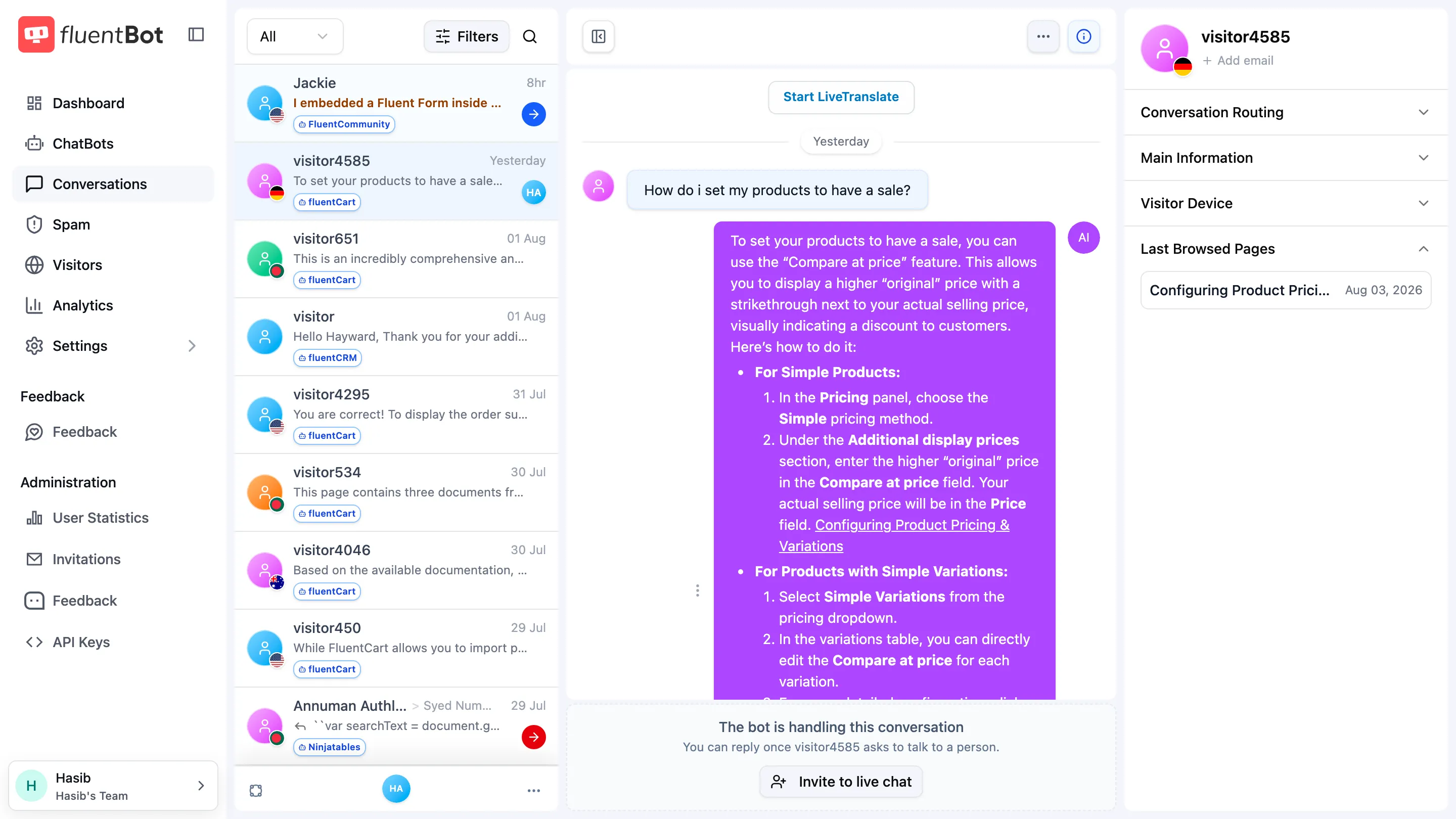
- Conversations — visitor name/email, when captured, replaces the anonymous identifier in the conversation list.
Validation
- The address is validated for basic format (RFC 5322 surface-level).
- Disposable email domains can be rejected by the backend validation.
- If identity verification supplied the visitor email, the widget can’t overwrite it from the email-capture prompt.
What email capture isn’t
- A signup flow — captured emails are scoped to the chat, not added to a marketing list.
- A login — visitors don’t authenticate by email. For verified identity, see Identity Verification.
- A forced gate — visitors can chat without providing an email; capture is opportunistic.
Privacy
Treat captured emails as personal data:
- They’re stored on the visitor profile for the bot and shown with related chats.
- They’re surfaced to agents handling the chat.
- They’re used only for follow-up communication tied to that conversation.
Make sure your privacy policy mentions chat-based email capture if you use it.
Troubleshooting
- No prompt appears — email capture is wired into escalated chats. It doesn’t fire on every bot conversation.
- Captured email not visible to the agent — refresh the conversation in Live Chat.
- Visitor wants their email removed — delete the chat or contact support for help with privacy requests.
What’s next
- Identity Verification — verified identity for logged-in visitors.
- Live Chat — agent-side conversation handling.